How to Convert Promotion-Seeking Visitors Without Offering Discounts
Coupons collect emails but cut margins and teach visitors to wait for a deal. Win promotion-seekers with relevant content instead.

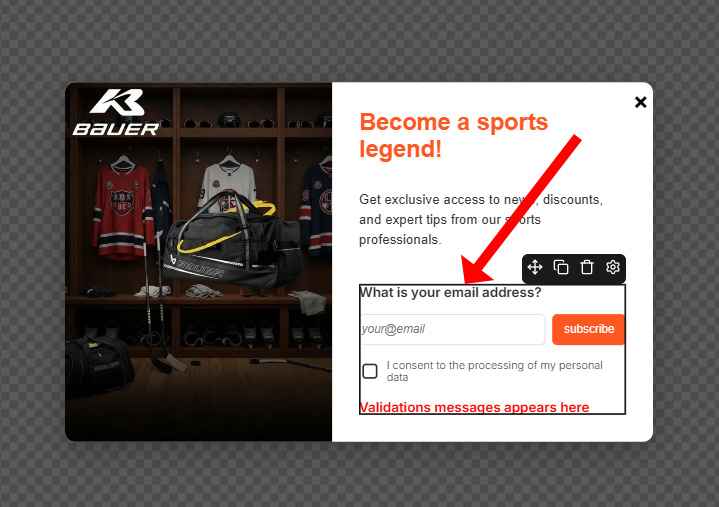
Connecting Ecomail to Tango.ad is a straightforward process, allowing you to streamline lead acquisition and create automated nurturing sequences. Follow these steps to get started:
Navigate to the Integration Hub and enter your Ecomail API key. Next, specify the default contact list where Tango.ad should send new email addresses. You can adjust this selection later within the editor if needed.
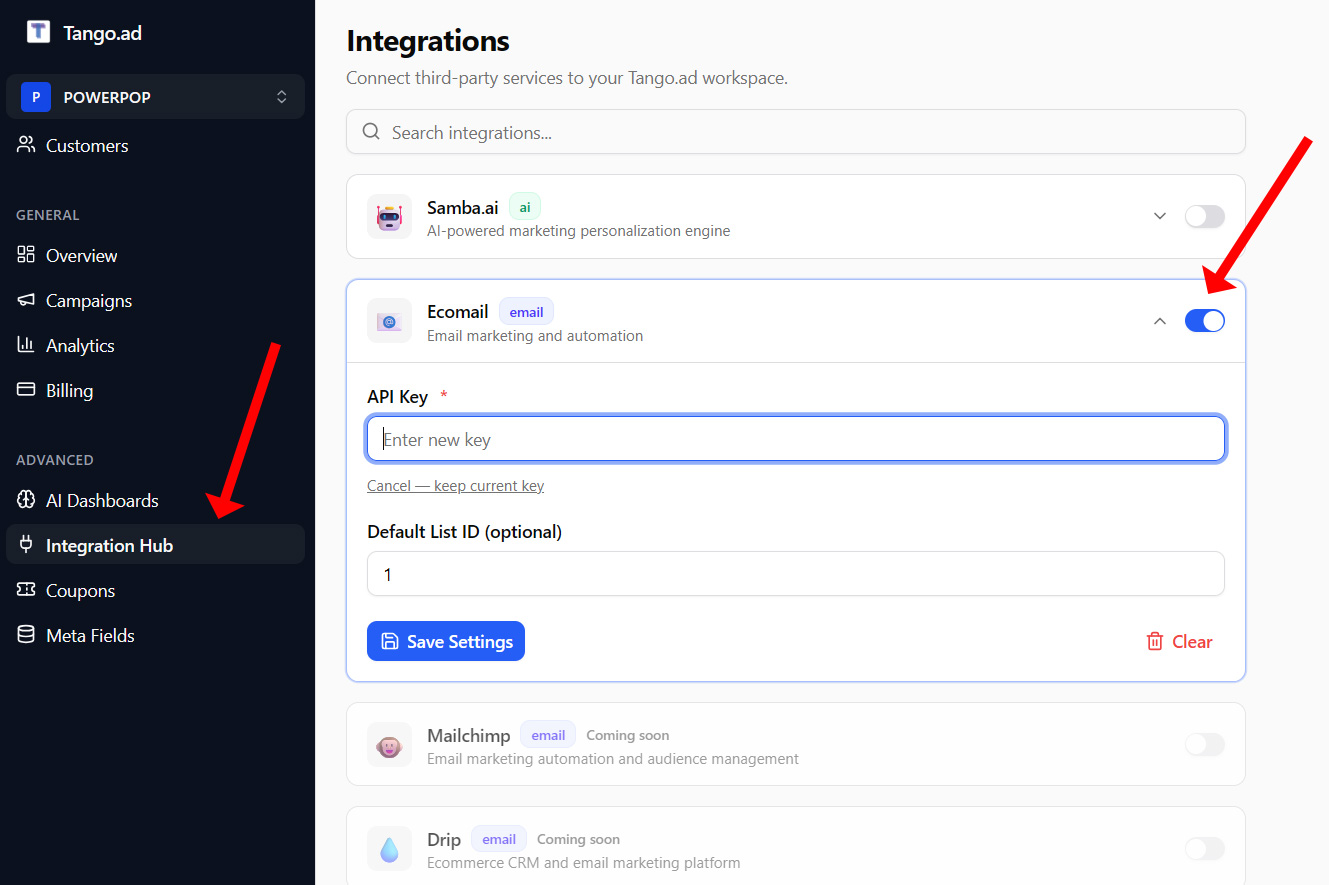
Tango.ad integration hub
Use the Tango AI campaign builder to create an email acquisition campaign, or define a custom one. In the weblayer builder, add a new email acquisition component or select an existing one.
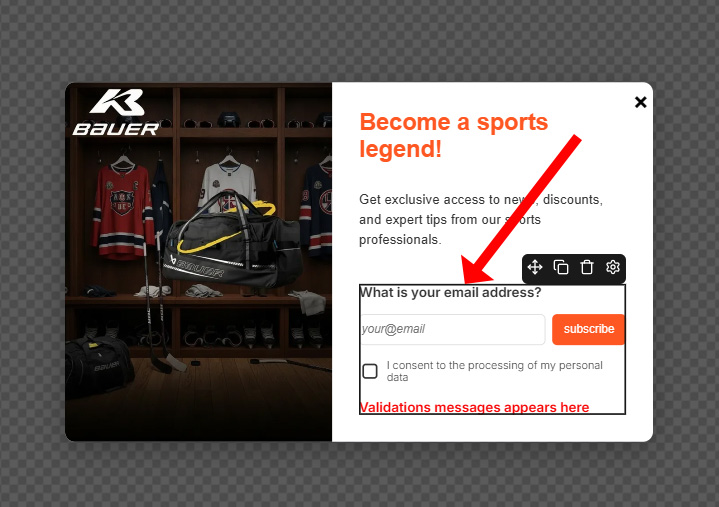
E-mail acquisition component
In the left-hand settings panel, choose “Ecomail” as your email service and configure the required parameters as per the Ecomail API documentation.
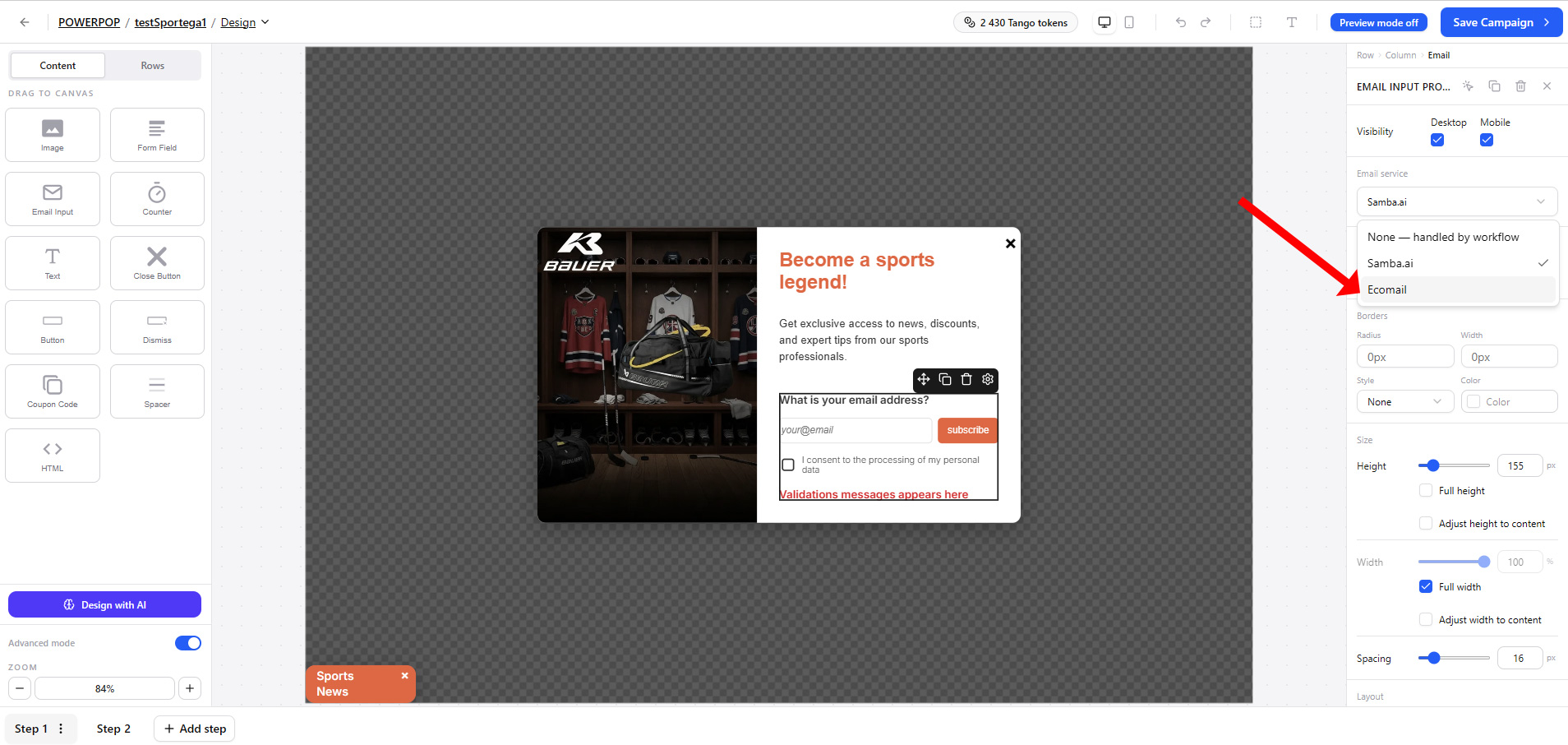
e-mail service selection
Set detail parameters if needed, according to Ecomail API
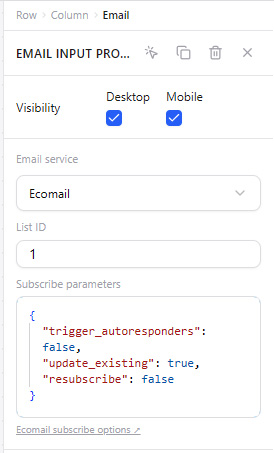
ecomail details
You have now successfully integrated Tango.ad and Ecomail. Whenever a visitor submits their email address on your page, Tango.ad will check if the address is already registered in Ecomail. If it is a new contact, a registration event is triggered, allowing you to seamlessly continue the customer journey—such as displaying a welcome message with a coupon or gift.
Coupons collect emails but cut margins and teach visitors to wait for a deal. Win promotion-seekers with relevant content instead.
Most websites personalize only on the current session. The most valuable data already sits in your customer and order database.
Your website already generates opportunities. Tango helps you turn more of them into customers.